Pokémon Pokopia, like Animal Crossing, is an easy-going, leisurely game about building a home for you and your fellow Pokémon. There’s lots of systems at play, and it (understandably) takes its time in introducing them to you. It also has a real-world clock, meaning certain actions - like constructing new buildings or growing crops - take actual minutes and hours to complete, requiring you to pass the time through other activities, or by turning off the game and coming back later.
I really like these types of games and the pacing they create, especially as being forced to wait builds a sense of anticipation. But I also like to test the limits: for example, I've previously experimented with time-sensitive events in Shenmue- a game which forces players to wait at regular intervals, albeit not in real time - to see how early you can unlock certain scenes.
Besides satisfying some personal curiosity, I'm aware waiting in games is not for everyone, especially if playtime is limited - hello fellow parents! - and so I’m pleased to report there’s a few techniques (legit or otherwise) you can employ to fast forward your progress in Pokémon Pokopia.
Employing time travel
An Animal Crossing favourite is employing time travel, which is the act of changing the Nintendo Switch’s system clock to trick the game into thinking time has passed. Though this is arguably against the ethos of the game, there are no penalties or risks to doing it.
Time travelling in Pokémon Pokopia is simple. Press the Home button to reach the system menu, go to System Settings, then System, Date and Time, and turn off Synchronise Clock via Internet. From here, you’re now free to change the time. You can do this without closing the game if you like - here’s the process performed in real-time to get a Leaf Den constructed near instantly:
If you are waiting for ‘tomorrow’ - which is the vague term Pokémon Pokopia occasionally throws at you - you have to progress the clock to at least 5am the next day.
For most players, that's probably the most practical way to speed through the game. From here, I discuss methods to get items and Pokédex entries early, all which uses multiplayer either locally or online (the latter of which requires a Nintendo Online subscription).
Adding discoveries from other player’s games
What you can achieve progress-wise through most multiplayer modes is limited. For example, you cannot collect objects and bring them back to your town, or unlock abilities early, since those are tied to story requests.
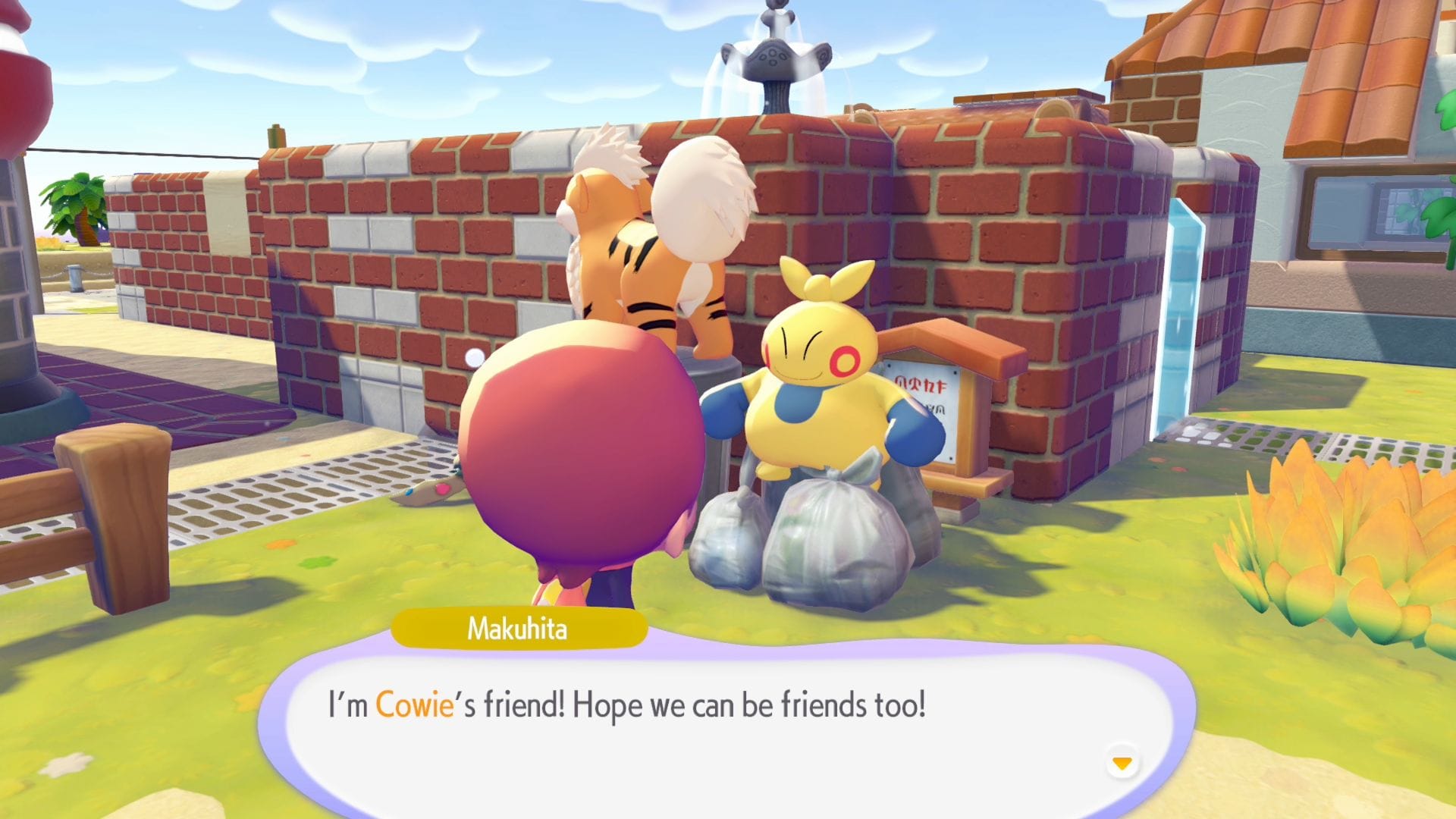
You can, however, expand your Pokédex by talking to Pokémon you haven’t encountered yet. You still need to find the Pokémon in your own game to properly complete the entry, however, but it's nice to get started.
If you want to find that creature in your own town, something that can help is uncovering the habitat it’s from. Simply walk over any habitat you haven’t unlocked yet - you’ll get a "???" message and a button prompt when you’re close - to add it to your roster.
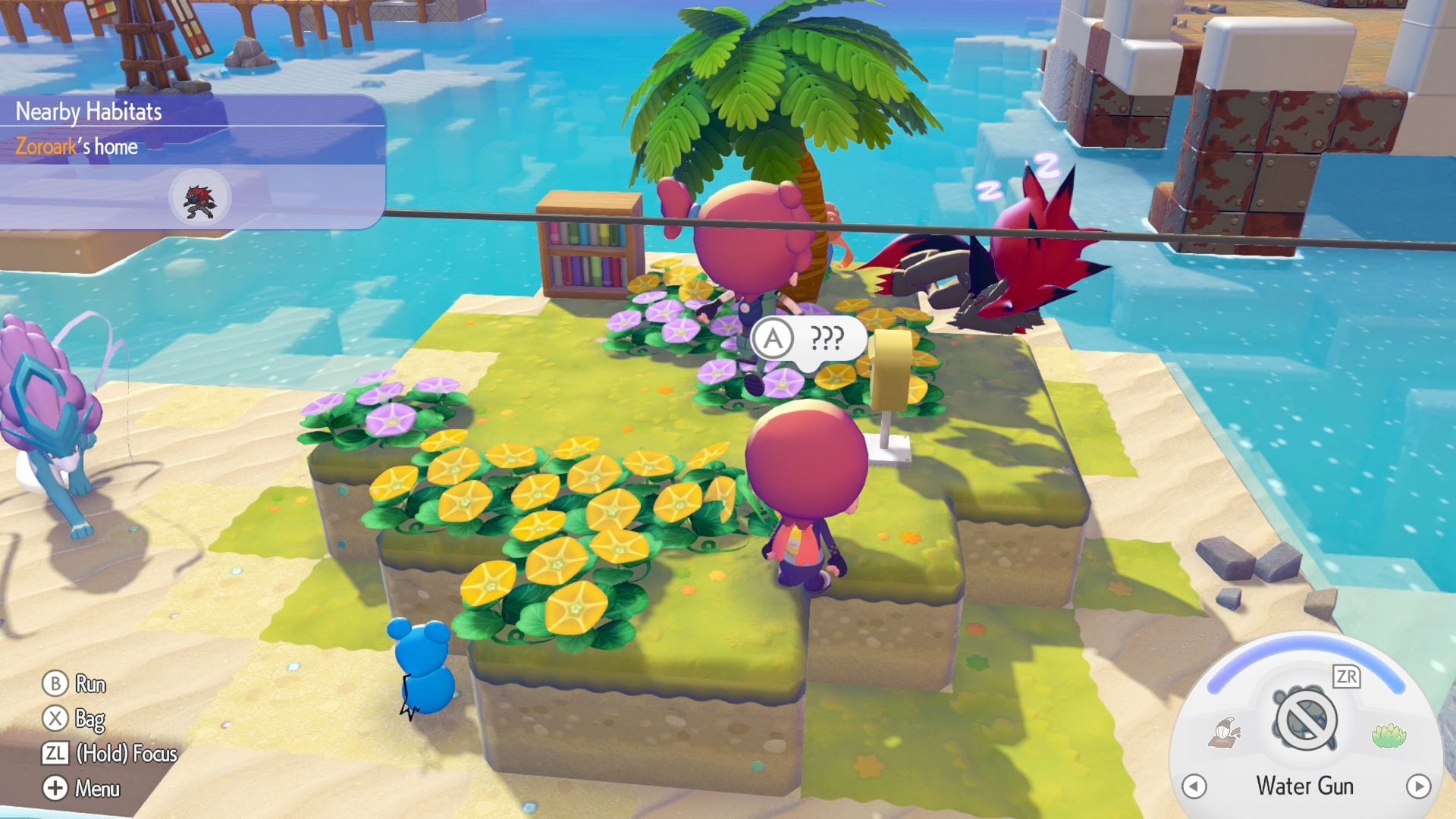
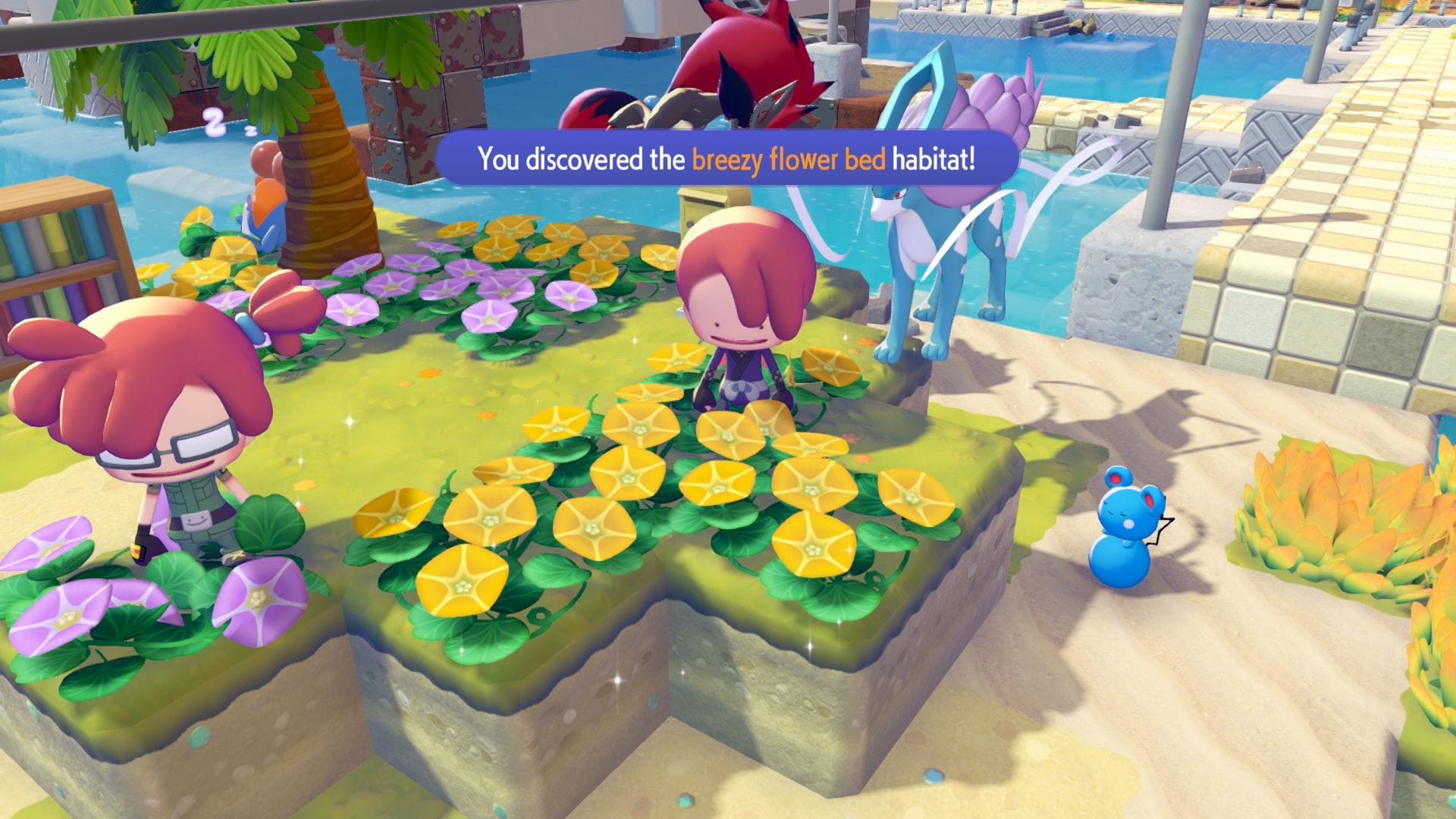
Credit: One More Catch / The Pokémon Company
From there, you can see the items required to create it, and if you have Pokédex entries of the Pokémon it can spawn, it’ll be cross referenced there too.
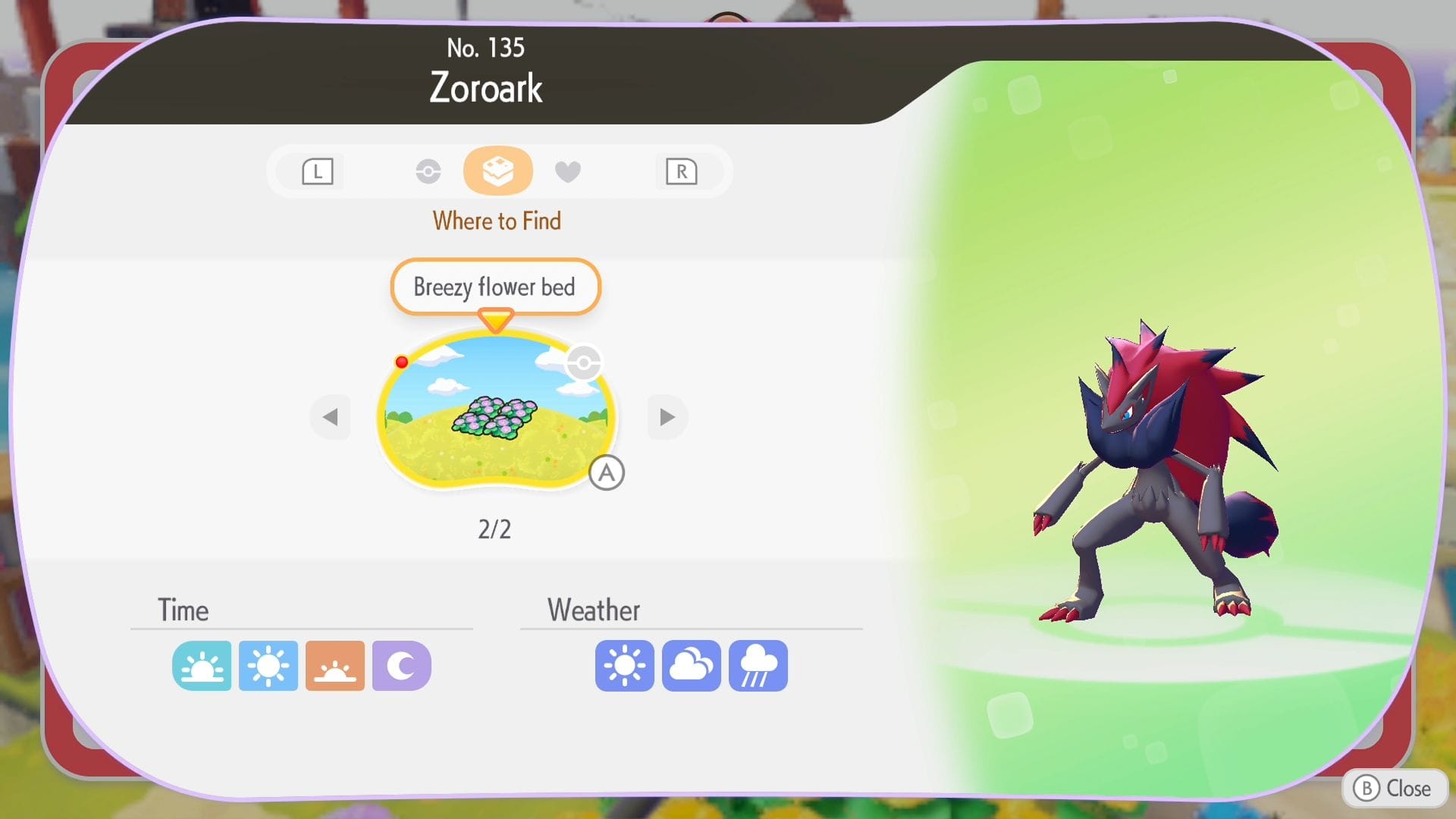
For me, discovering new habitats is what I've found most useful from playing with friends who have made more progress than me. A challenge from here, however, is collecting the items you need to make the habitat, which is where the next step comes in handy.
Acquiring items through the 3D Printer
Once you have constructed a Pokémon Center (you’ll be able to do this at the end of the first area, which takes 2-3 hours of playtime), you’ll have access to a 3D Printer, a device which can create a copy of items you’ve taken pictures of.
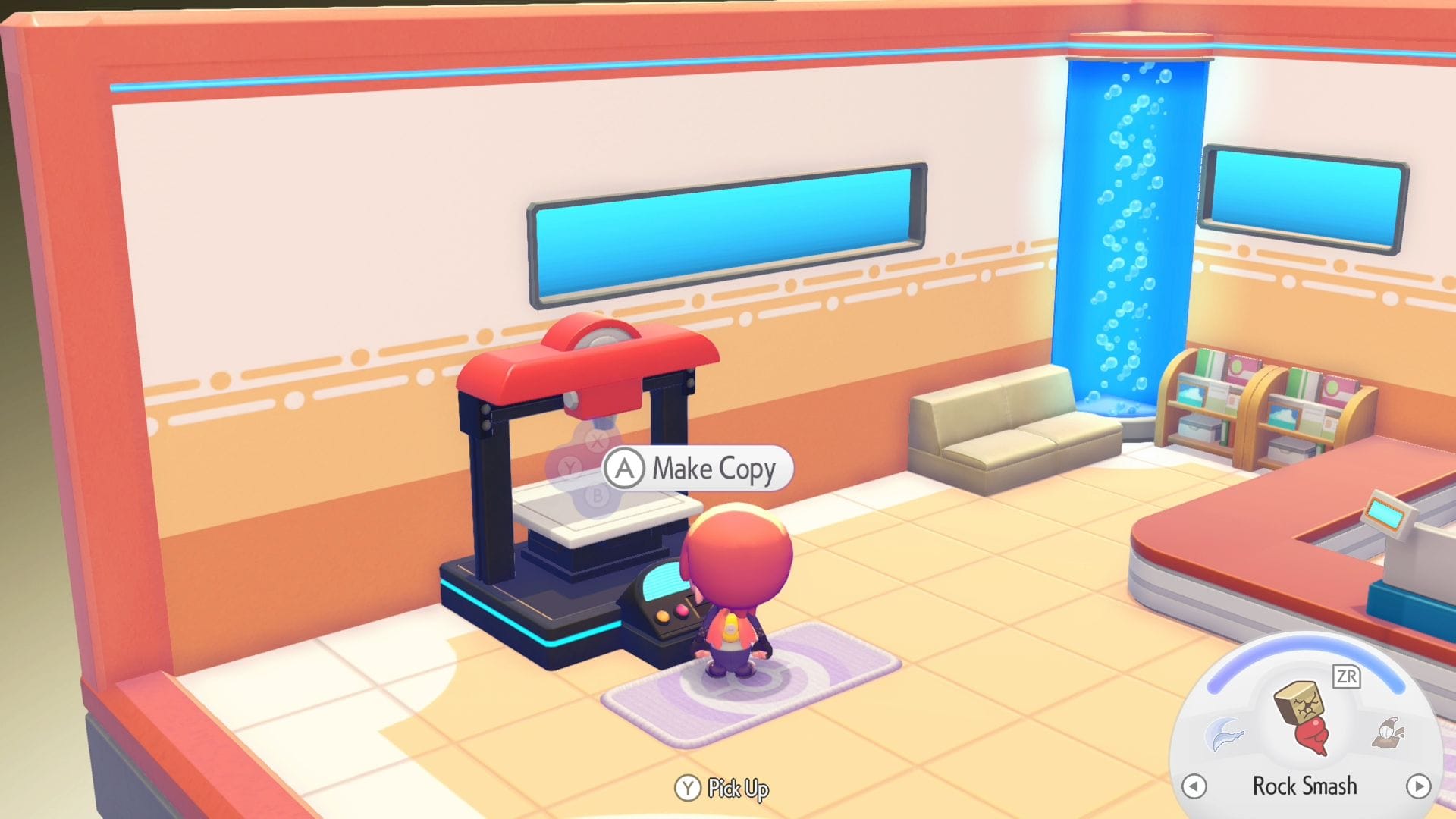
When visiting another location, whip out the camera with the Minus button, then press Y to change modes so you can catalogue what you see. If there’s a description that comes up as you point the lens at an item, you can take a picture and copy it later.
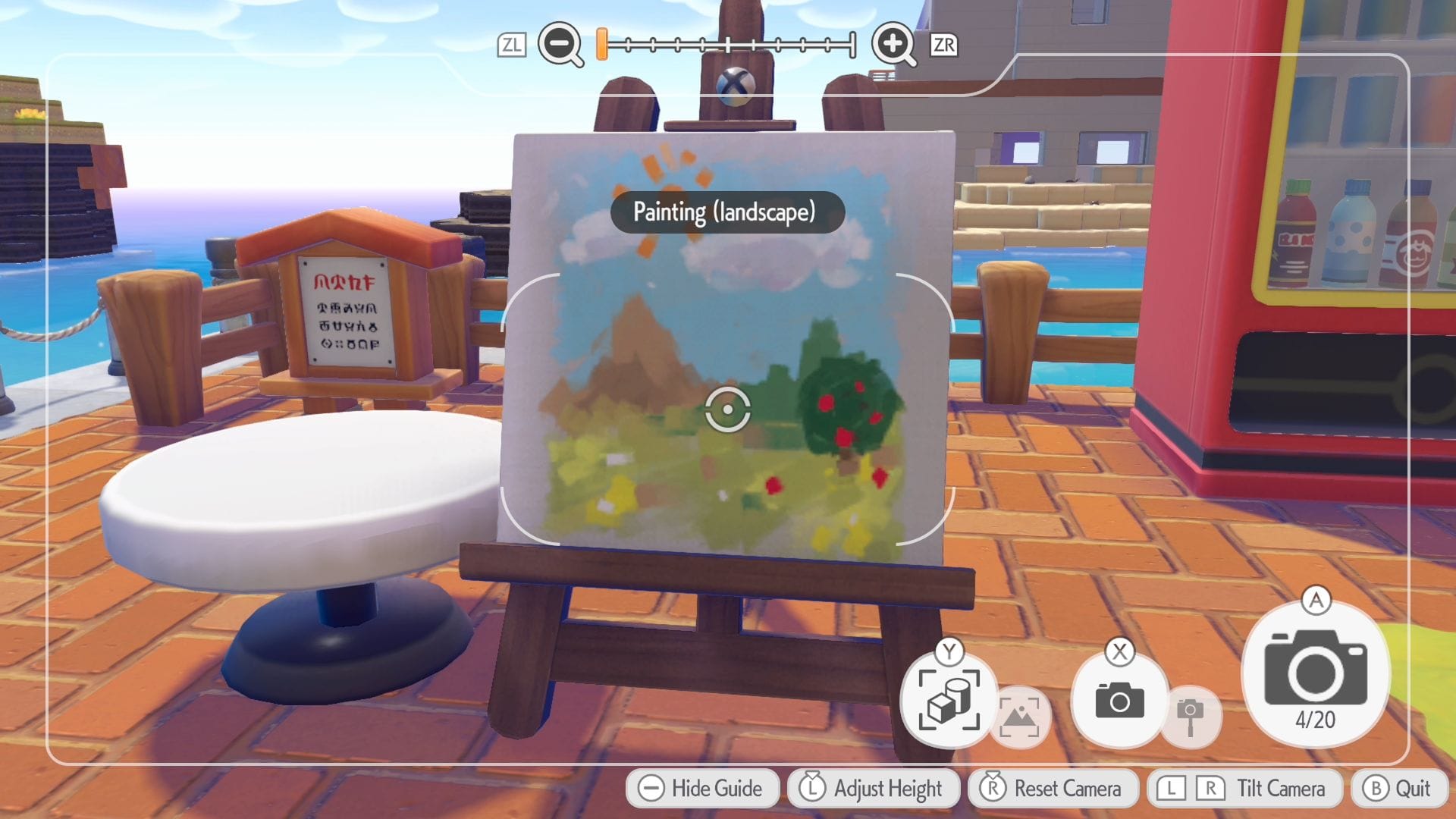
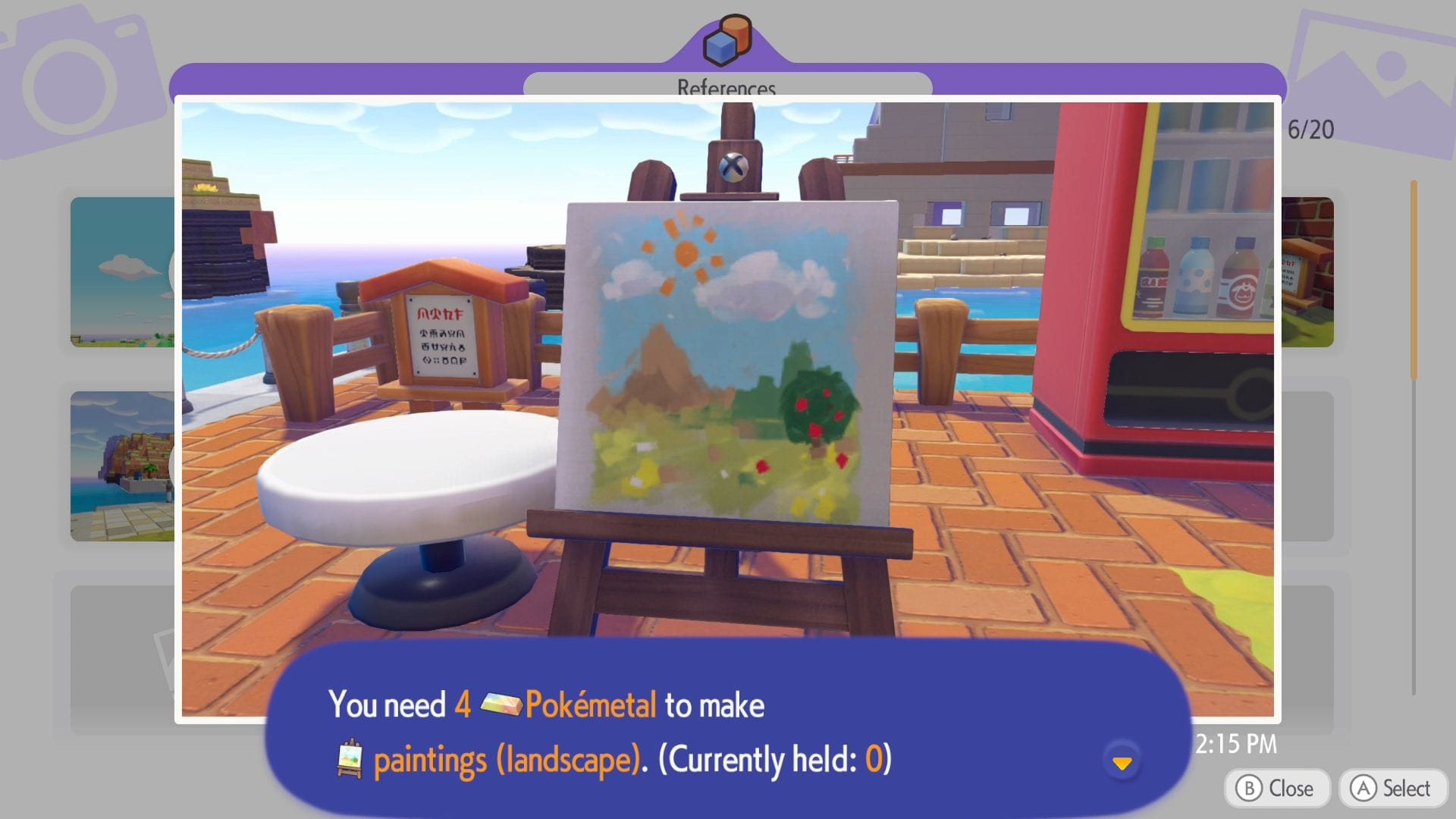
Credit: One More Catch / The Pokémon Company
The catch is you have to source a rare resource named Pokémetal to use the 3D Printer. This limits how much you can do, especially in the early game, but if you’re particularly keen to unlock a few items or habitats early, it’s worth keeping in mind.
Visiting the shop
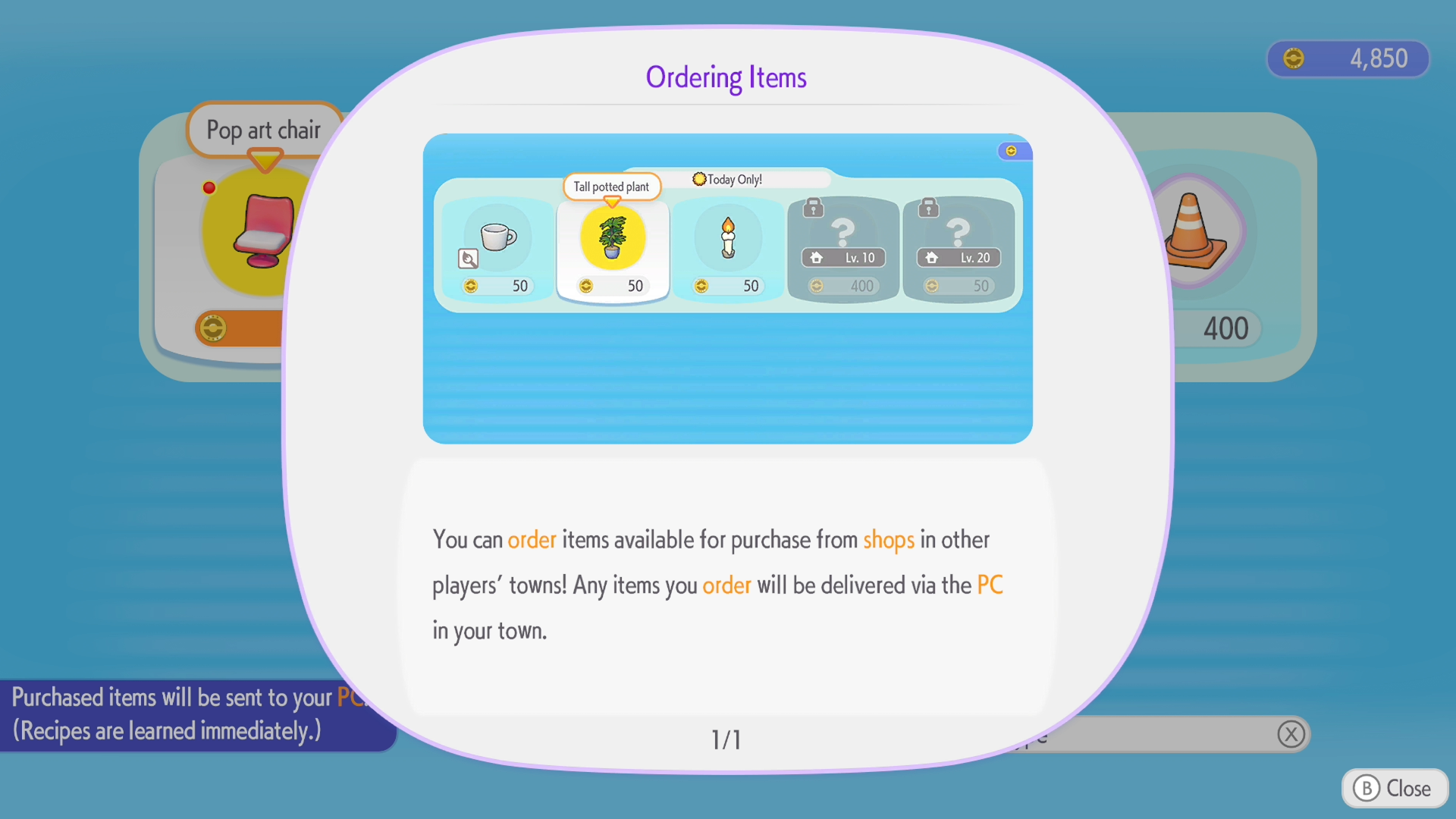
Finally, another item-related tip: similar to Animal Crossing, each player’s shop will have a unique set of items on sale that day, so be sure to visit and purchase things you haven’t seen yet. You'll also get a bonus stamp on your Stamp Rally card for checking in on their PC.
It's early days for Pokémon Pokopia, so there might be a few more time-saving and fast-forwarding techniques out there, and I'll update this page as they're uncovered. (If you discover anything yourself, I'd love to hear in the comments.) But until then, it's well worth having a friend with a more advanced save file to unlock some bits and pieces early. And for when you don't want to wait a day for something to be built, you always have the ability to time travel at your disposal.
Thanks to Stefan L for their time and assistance in testing the above!
While you're here - if you want to show your support during One More Catch's early days, and get extra posts and various site features for doing so, the 10% off forever launch promotion is still going and ends Monday 9th March. It takes the base tier down from an already affordable £4 monthly / £40 annual subscription down to just £3.60 and £36 respectively, and having your backing would mean a great deal as plans for the publication begin in earnest: