Monster Hunter Outlanders, the mobile instalment in collaboration with TiMi Studio Group that has many of the same trappings as its handheld and console forebears, has controller support - but at launch, that support is a weirdly inconsistent.
While it's an improvement over the game's beta tests - where controllers weren't supported at all - be prepared to be using the touchscreen semi-often as you're getting going.
How does Monster Hunter Outlanders controller support work?
Controller support works for the bulk of the action, meaning you can explore and hunt fully using any gamepad supported by your mobile device.
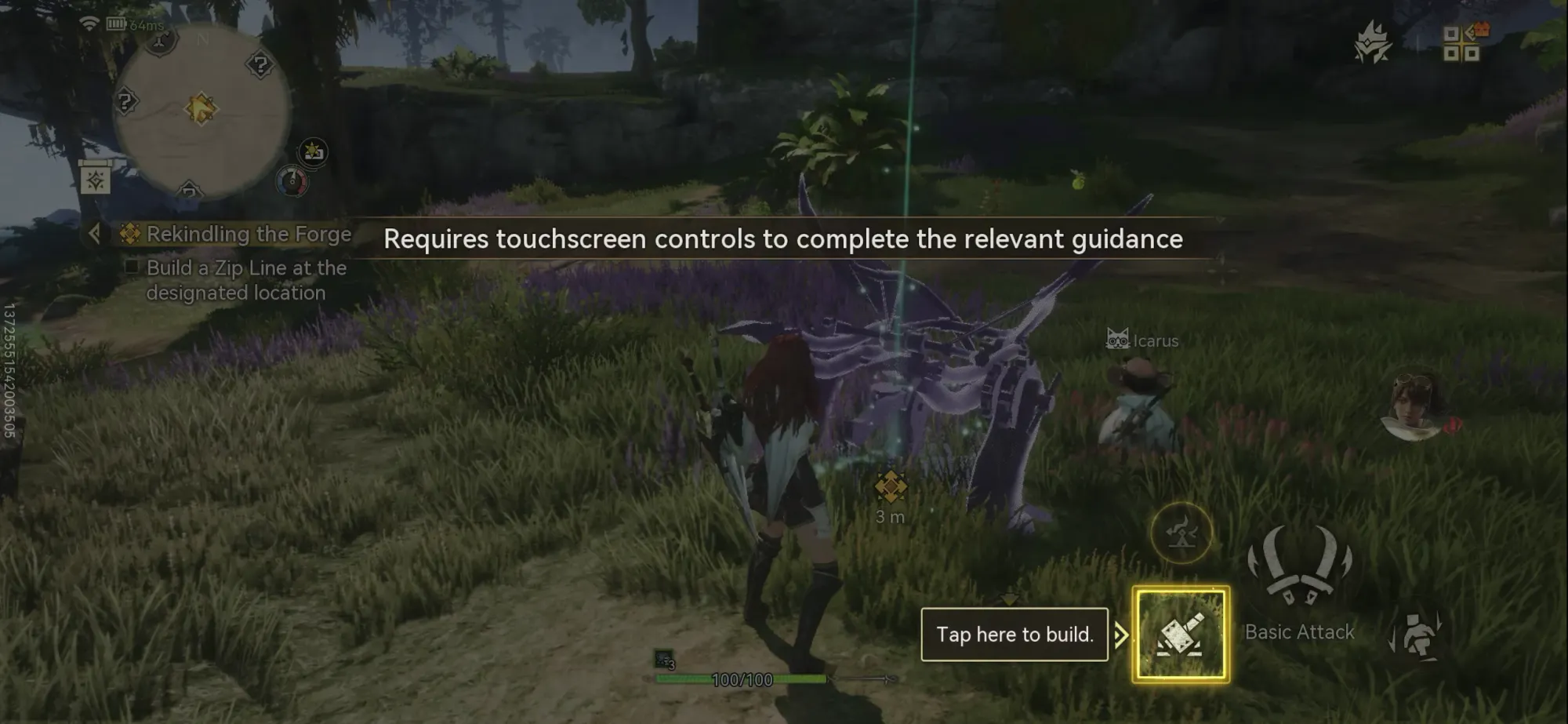
However, at least in the opening hours, the action will regularly interrupted by touch screen prompts for certain things, such as tutorials, where the action will pause and you'll be asked to tap the screen to continue.
This is fine for when you're in the village, or out in the world discovering the crafting and management aspects of the game, but it also comes up mid-combat during the opening hours as it slowly introduces the many facets of monster hunting.
Menus, meanwhile, require a mouse-like cursor that you move with the left analogue stick before tapping the button to select what you need; you also can't back out of menus by pressing a button like B or Circle, but instead have to tap a cross in the corner. It's not the fastest or most intuitive, basically, but at least it works.
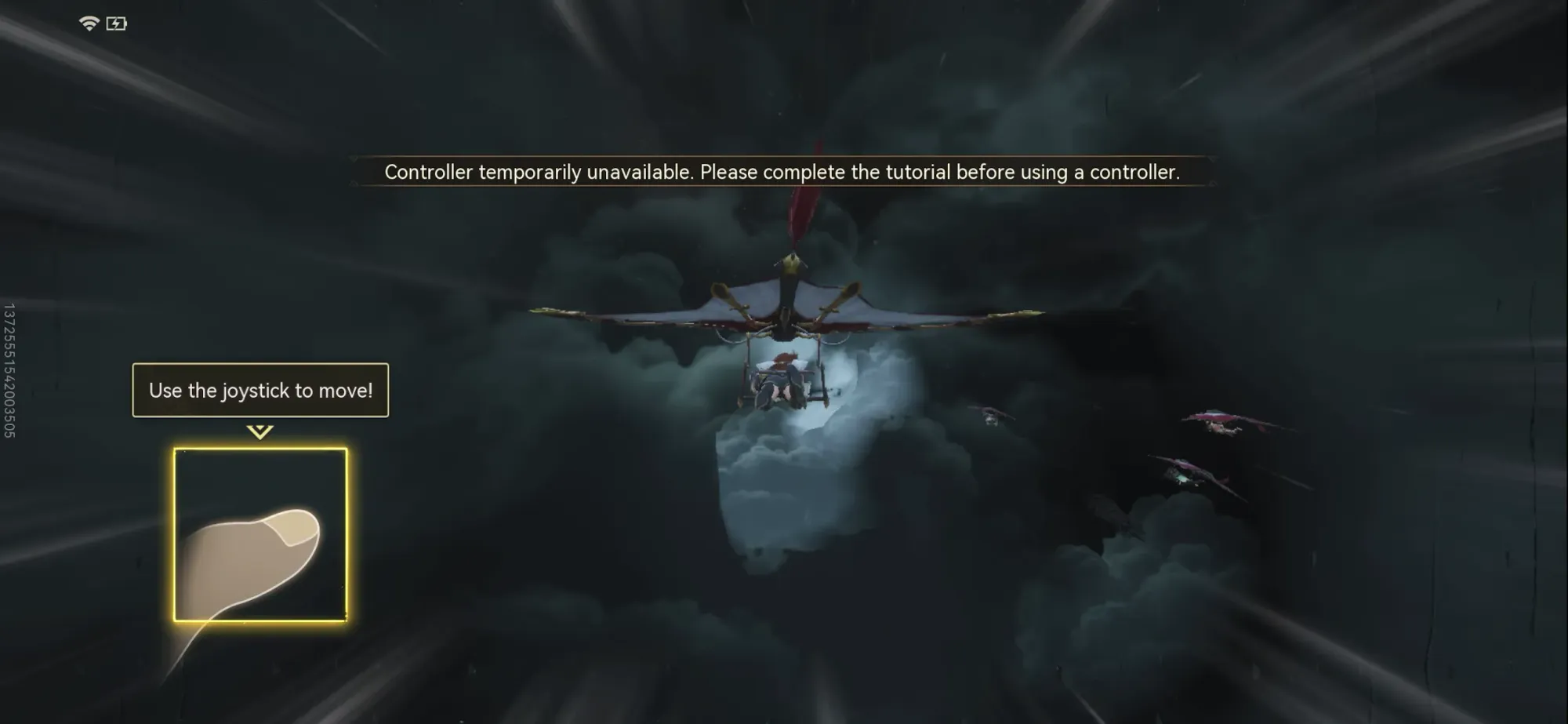
Finally, and most curiously, the entire opening sequence - which sees you glide your way through a thunderstorm before fighting a Rathian on the ground - is all touchscreen only, despite it largely matching the controller-supported action later. It's not until you reach the starting village that you are given the option between the two - so don't bother syncing up a controller until then.
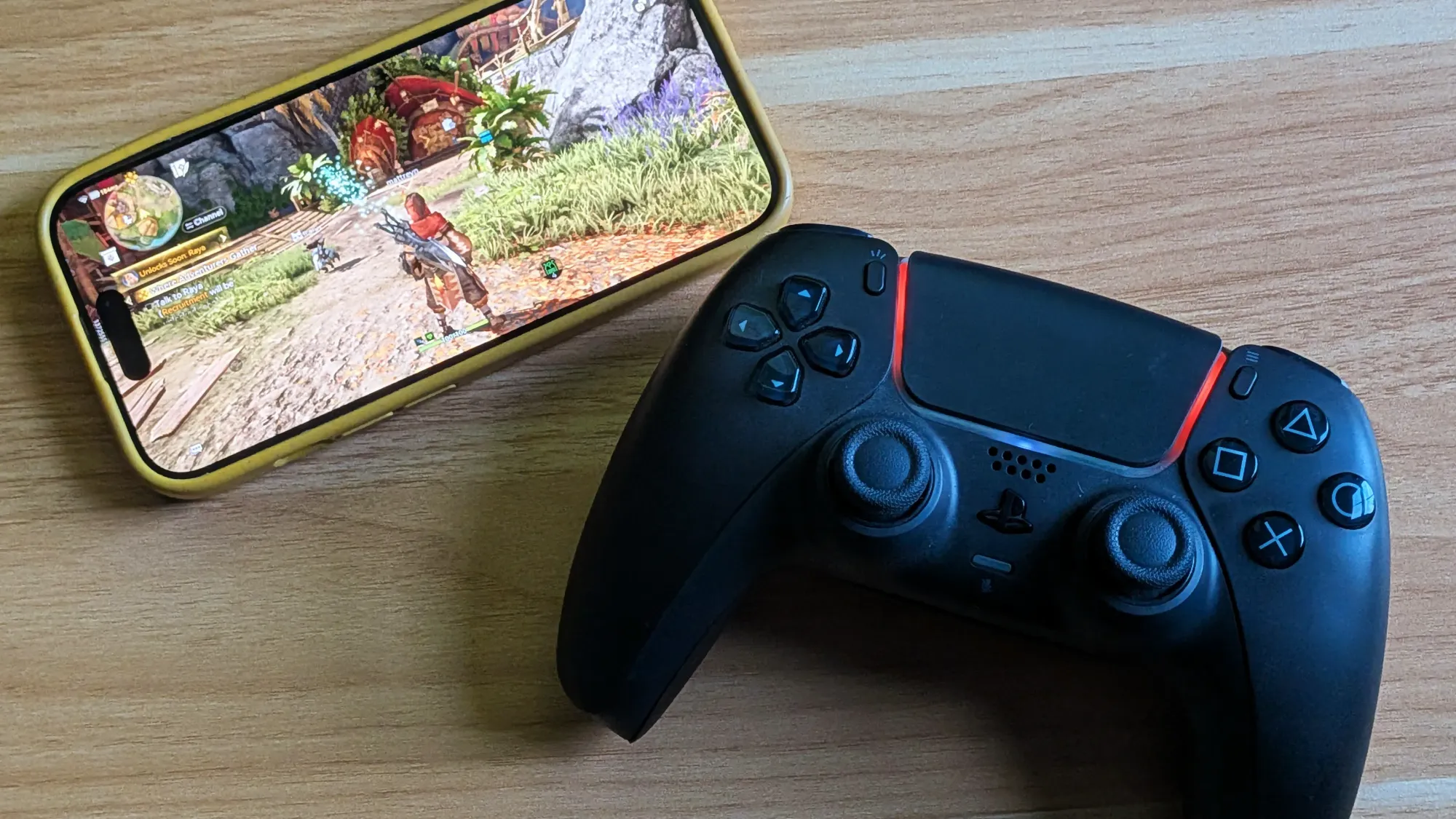
In summary, Monster Hunter Outlanders controller support works for the bulk of the experience and, despite some differences in button mapping and behaviour for certain features (you can use a dial to select which monster part to lock on to, for example, which I actually quite like), combat largely feels as tactile as it does in other entries.
But if you're expecting to do away with the touch screen completely - say, if you want to dock your phone and mirror the game's rather impressive visuals onto a larger screen - that is somewhat unavoidable, at least for now...
Will additional controller support be arriving for Monster Hunter Outlanders?
In a press release shared with One More Catch, developer TiMi Studio Group has said only hunts, the quest system and world exploration support a controller at launch due to "limited development time", with plans to expand functionality in future updates.
Here's the statement in full:
From time of launch, controllers support the major actions used during hunts, allowing Adventurers to enjoy hunting with a familiar control style. At launch, controller support covers hunts, the quest system and world exploration. The team is continuing to extend support across further areas of the game and will refine the overall controller experience in future updates. For Season 0, we've implemented initial controller support.
Given the limited development time, we've started by adapting controls for hunts, the quest system, and world exploration. We're still working to expand support to more parts of the game and improve the overall controller experience.
So while it's not confirmed that full controller support will be coming, it sounds like it will certainly be expanded.
The means for those expecting a traditional hunting experience, Monster Hunter Outlanders more than does the job if you pick up a controller - just expect some quirks along the way.
Looking for more on Monster Hunter Outlanders? See our list of codes you can redeem for bonus items.
 Matthew Reynolds